Complete tutorial
The Magical Forest
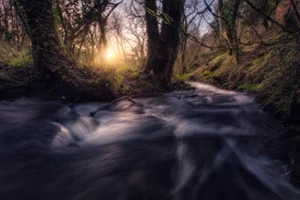
In this video tutorial, we will work through the complete edit of “The Magical Forest”.
Overview
Before and after
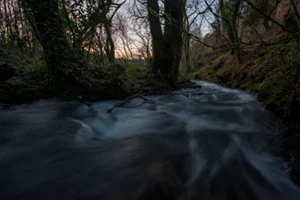
In this video tutorial, we will work through the complete edit of the photograph “The Magical Forest”.
This photograph was taken at the Rexidoira waterfalls in Galicia, Spain. It is a good example of a complete change of atmosphere: we will add a burst of light to simulate the sun as realistically and seamlessly as possible.
What you will learn
- Combining three different exposures to extend the dynamic range and create an HDR RAW file.
- Developing the DNG file generated by merging the HDR exposures.
- Reshaping and enlarging selected areas to improve the composition and foreground.
- Adding realistic bursts of light.
- Using dodge and burn to create selective contrast and integrate the light more naturally.
- Managing, balancing and enhancing colour to create distinctive atmospheres.
- Applying the Orton effect.
- Final adjustments and export for the web.
Software used

Adobe Photoshop
Editing and RAW development

Nik Collection
Colour and finishing

Tony Kuyper Panel
Luminosity masks
Everything you need to know
Before you buy
How will I receive the videos?
The course content is downloadable. Keep the videos and RAW files so you can follow the editing process and practise at your own pace.
How can I pay?
You can pay with PayPal or a card at checkout.
Which tutorial should I choose?
Check the level, software and learning objectives on each course page. Choose the photograph and technique you want to work on. If you are unsure, get in touch and I will help you choose.
At your own pace
Download the video and revisit each step whenever you need to.
RAW files for practiceKeep exploring
More paid tutorials
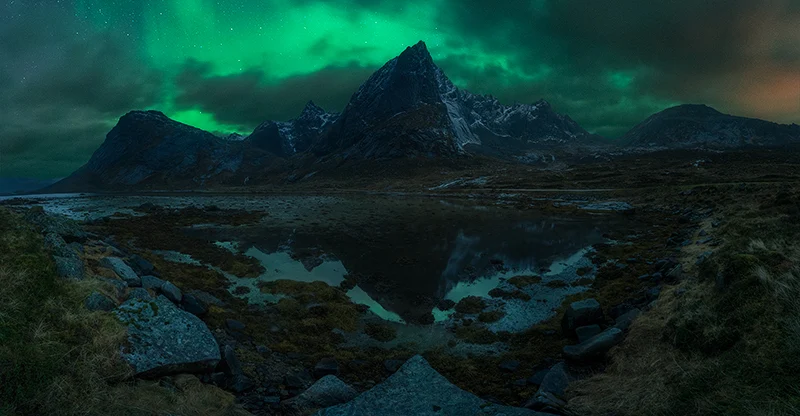
The dream aurora
Blend two panoramas, from RAW files to the final image.

The enchanted city
Edit an urban panorama captured during the blue hour.

The mill
Edit an urban panorama at dusk.
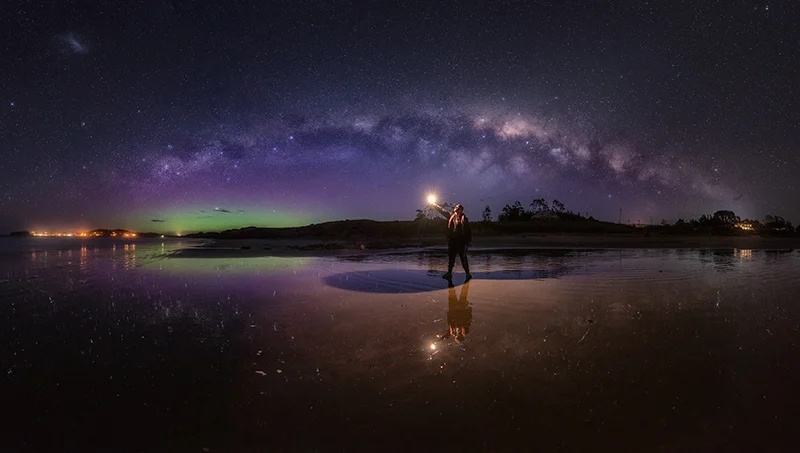
The unexpected aurora
The Milky Way and the southern lights in a single panorama.

Auroras
Two complete northern lights editing workflows.
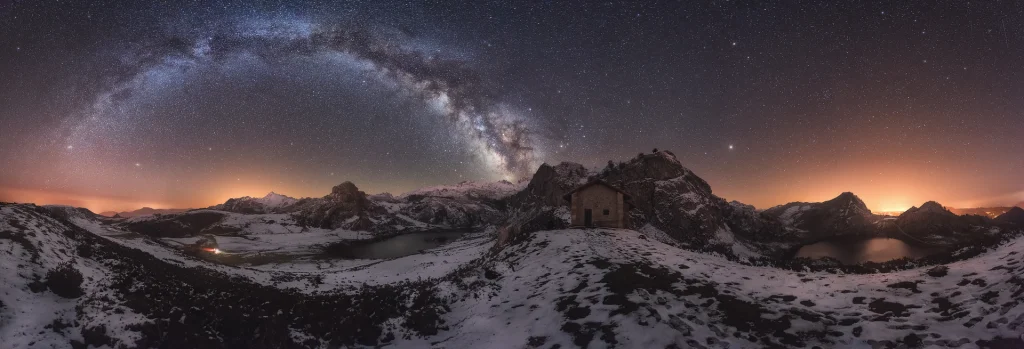
Night in Covadonga
A Milky Way panorama, from RAW files to the final image.
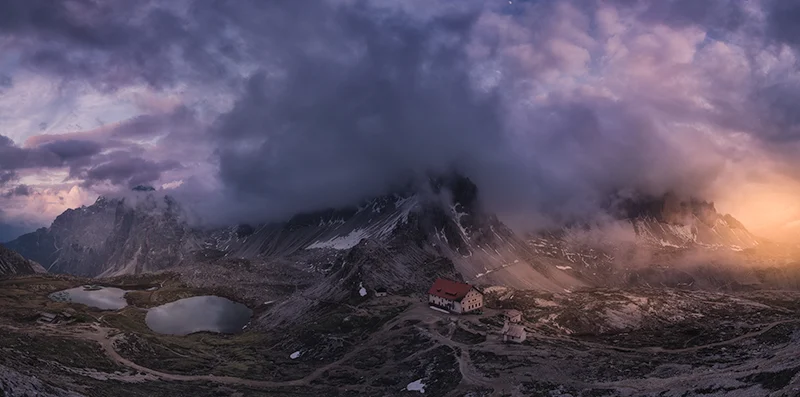
Sea of clouds
From an overcast day to the glow of sunset.

Cinque Terre
A burst of light to transform the atmosphere.
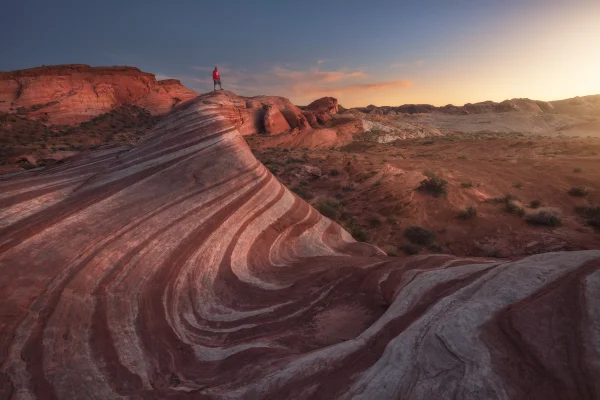
Firewave
Shape the light in a desert landscape.

Learn today, create tomorrow.
Nature always inspires.