← Back to free tutorials
Free tutorial
Creating reflections in Photoshop
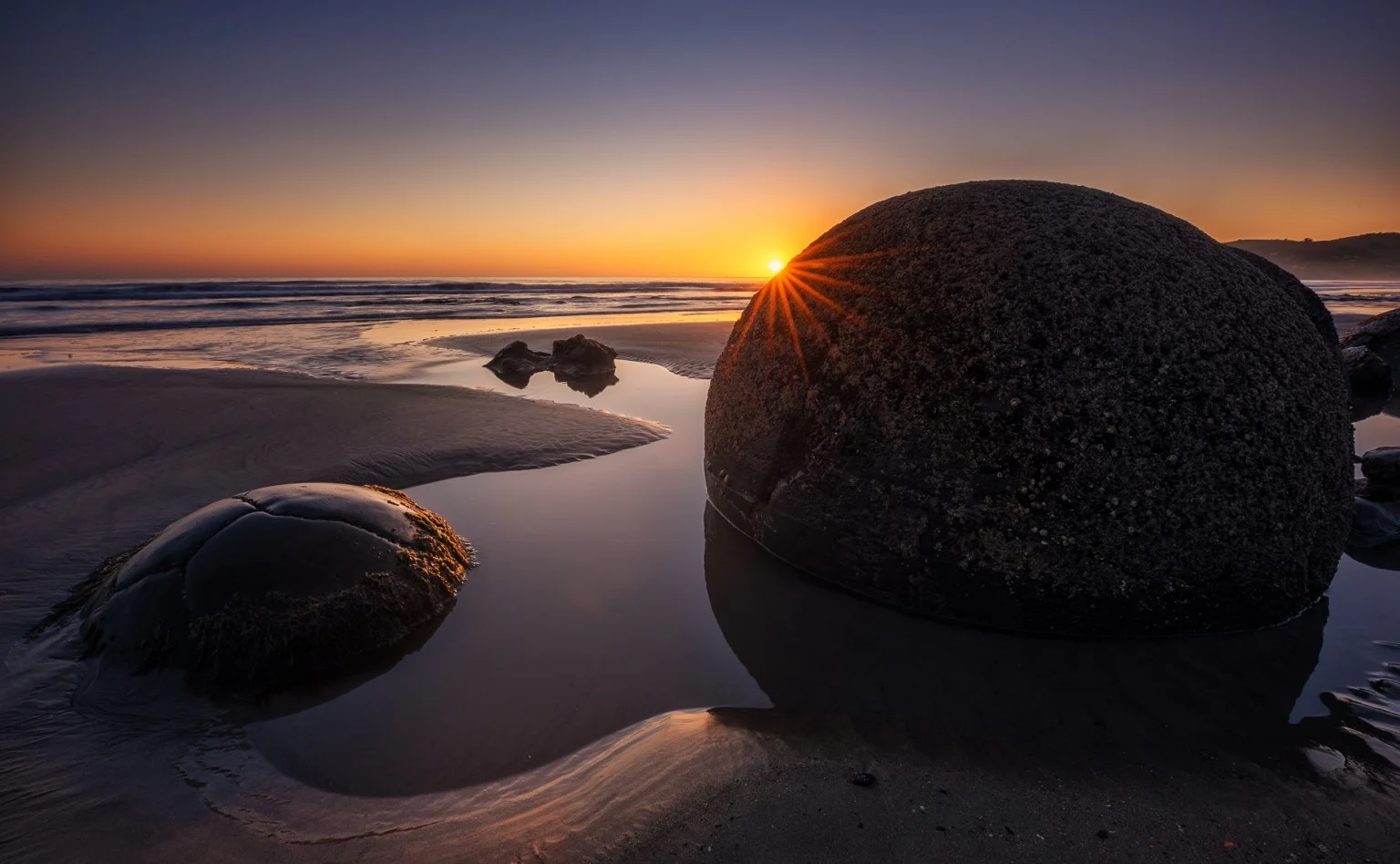
You have probably visited spectacular locations where, for one reason or another, the reflection you wanted was either absent or disappointing.
18 minutesof contentIntermediateTutorial level
Watch the tutorial
Introduction
You have probably visited spectacular locations where, for one reason or another, the reflection you wanted was either absent or disappointing when you took the photograph.
Contents
In this video tutorial, you will learn to create a realistic reflection very easily, using only Photoshop and just a couple of simple steps.
After creating the reflection, we will refine it to make it more realistic. Reflections are never as perfect as the original image, so we will add a series of adjustment layers.
Software used

Adobe Photoshop
Editing and RAW development

Tony Kuyper Panel
Luminosity masks

Nik Collection
Colour and finishing

Learn today, create tomorrow.
Nature always inspires.